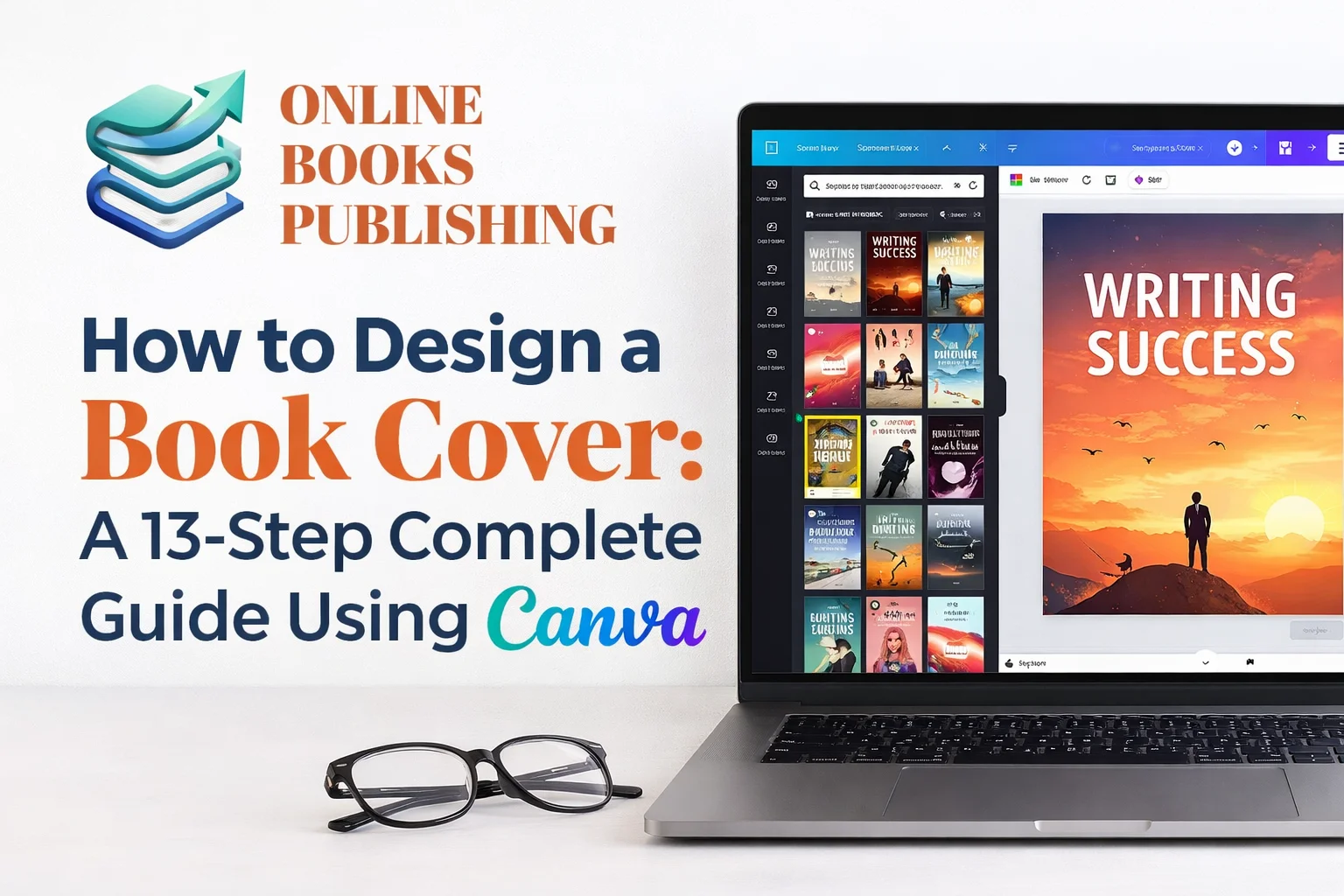
How to Design a book cover feels exciting, confusing, and stressful at the same time. Many authors feel stuck before they even begin. You may think professional covers need expensive software or design skills. That belief stops many great books from shining. Here is the good news. You can design a professional book cover using Canva. It is simple, free, and beginner-friendly. You do not need Photoshop experience or design training. This guide will walk you step by step. I will explain everything using easy words and real examples. You will feel confident when you finish the article. Let us start this creative journey together.
Why Book Cover Design Matters More Than Ever
A book cover is the first promise you make to readers. People judge books within seconds. They scroll fast and decide even faster. Your cover speaks before your words. It sets expectations, emotions, and trust. A weak cover hurts even the best stories. Good covers improve visibility and sales. They build strong reader impressions. They support book marketing design naturally. For self-published authors, this matters even more. You compete with professional publishers every day. Your cover must look just as polished. That is why learning Canva helps. It gives control, speed, and confidence. It also saves money early on.
Why Canva Is a Solid Photoshop Alternative
Photoshop is powerful, but it feels overwhelming. Many authors quit before learning it properly.Canva removes that stress completely. Canva works inside your browser. You do not install heavy software. You start designing in minutes. The interface feels friendly and visual. Every tool is easy to find. Drag-and-drop does most of the work. Canva book cover templates save time. They already follow book cover layout rules. You only adjust text, images, and colors. For beginners, Canva is a smart choice. It works as a Photoshop alternative. It still creates professional book cover design results.
Who This Canva Book Cover Design Tutorial Is For
This guide helps many types of creators. It works best for new and growing authors. If you are a self-published author, this fits you. If you want a free book cover design tool, this helps. If you lack design skills, this guide supports you. It also helps bloggers turn content into books. It supports coaches publishing digital guides. It even helps fiction writers across genres. This is a DIY book cover design guide. Everything is explained clearly and slowly. You will not feel rushed or confused. By the end, you will design confidently. You will understand design choices better.You will avoid beginner book cover design mistakes. Take this chance to begin your own cover design in Canva now.
Step 1: Understand Your Book Genre Clearly
Before opening Canva, take a moment to reflect. Your genre will guide every design decision. Readers look for familiar visual signals by genre, so meeting these expectations builds trust and drives sales. For example, horror covers are dark and mysterious, while romance covers are warm and emotional.Fantasy covers feel magical and adventurous. Genre-specific book cover design matters deeply.Colors, fonts, and images change with genre. Even spacing and alignment differ. Study the top books in your category. Look at Amazon bestseller covers carefully. Notice patterns and shared elements. This research improves visual storytelling. It also strengthens the reader’s first impressions. Strong preparation makes Canva design easier later.
Step 2: Choose the Right Canva Book Cover Template

Now open Canva and search for book covers. You will see hundreds of ready templates. Do not focus on colors or images yet. Look at text placement first. Check the title, subtitle, and author areas. If your book has a subtitle, choose wisely. The template must support that structure. Subtitle placement on the book cover matters. Canva book cover templates follow size rules. They fit print and ebook formats easily. This helps Amazon KDP publishing later. Choose simple layouts as a beginner. Avoid crowded or decorative templates. Less clutter improves readability. The right template saves hours. It supports professional book cover design goals. You can always adjust later.
Step 3: Select the Perfect Book Cover Image

Images carry emotional power instantly. They set the mood and expectations fast. Canva offers many stock images. Free users still have strong options. Pro users get even more variety. You can also upload external images. Pixabay, Pexels, and Unsplash work well. Always check commercial usage rights. Book cover image selection matters greatly. Choose images that stand alone clearly. Avoid busy backgrounds or cropped bodies. Horror book cover design uses dark symbols. Fantasy book cover ideas use characters or landscapes. Romance book cover templates use emotional scenes. Good images reduce extra editing. They improve clarity and genre alignment. Strong images make Canva designs shine.
Step 4: Size Your Cover for Print and Ebook
Size mistakes cause publishing problems later. Always design with the final format in mind. Canva offers preset book sizes. Choose print or ebook formats correctly. Amazon KDP has clear size rules. The Canva book cover sizes for print and ebook differ. Print needs spine and bleed space.Ebooks only need front covers. Check trim size before designing. Match it exactly inside Canva.This avoids resizing issues later. Proper sizing improves upload success. It also protects text clarity. Correct sizing supports professional results. Always preview at small sizes. Readers often see thumbnails first. Your design must stay readable.
Step 5: Add Your Title, Subtitle, and Author Name
Text placement defines hierarchy. Hierarchy naturally guides the reader’s attention. Start by typing your book title. Add the subtitle and the author’s name next. Use Canva text tools freely. Author name placement on the book cover matters. Usually, it sits at the top. Titles sit in the middle. Subtitle placement on the book cover goes below the title. Subtitles support clarity and keywords. Keep it smaller than the title. Book cover text placement should feel balanced. Avoid edges and corners. Leave breathing space around text. Centered text works best for beginners.It feels safe and clean. Alignment builds visual comfort.
Step 6: Choose the Best Fonts for Book Covers
Fonts communicate genre instantly. They affect mood and readability strongly. Book cover typography needs clarity. Fancy fonts often hurt readability. Simple fonts work best. Best fonts for book covers vary by genre. Horror uses sharp or distressed fonts. Fantasy uses classic or decorative fonts. Sci-fi book cover fonts feel modern. Romance fonts feel soft and flowing.Canva offers many solid choices. Use only two fonts maximum. One for the title, one for the support text. This keeps the design clean. Typography hierarchy on book covers needs clarity. Title remains biggest and boldest. Subtitles and names stay smaller.
Step 7: Match Fonts to Genre Expectations
Genre alignment builds trust instantly. Readers expect familiar visual language. Horror fonts feel unsettling and bold. They hint at fear and danger. Sharp edges work well. Fantasy fonts feel magical or ancient. Decorative lines add charm. Serif styles often work. Romance fonts feel emotional and soft. Script fonts work carefully. Never sacrifice readability. Sci-fi fonts feel futuristic. Clean lines and spacing help. Minimalism supports sci-fi themes. Choosing fonts by genre improves clarity. It supports visual branding for authors. It also improves market acceptance.
Step 8: Adjust Font Size and Spacing Carefully
Size affects readability instantly. Titles must stay readable and small. Zoom out in Canva. Preview your cover as a thumbnail. Can you read it quickly? The title should dominate visually. The author’s name supports recognition. Subtitle stays informative. Spacing prevents clutter. Line spacing helps with breathing room. Avoid touching edges. Book cover layout rules exist for a reason. They guide visual comfort naturally. Beginners should follow them closely. Proper spacing improves professionalism. It reduces eye strain. It also improves reader trust.
Step 9: Add Effects Without Overdoing Them
Effects add mood and depth. They must stay subtle. Canva design effects keep improving.You can add shadows, overlays, and filters. These enhance images easily. Adding effects to book covers works best in small doses. Fog adds mystery. Light adds focus. Blood-and-fog effects book cover designs suit horror. Magic glows suit fantasy. Decorative dividers suit romance. Always use transparent overlays. Adjust transparency gently. Avoid covering text. Effects support cover design psychology. They guide emotion without distraction. Simple effects feel more professional.
Step 10: Use Decorative Elements Wisely
Decorative dividers enhance structure. They frame text. Fantasy and romance use dividers. Sci-fi uses them less. Horror uses them rarely. Dividers should feel subtle. Avoid heavy ornaments. Balance matters. Canva offers free lines. External images also help. Always keep transparency balanced. Decorations should guide eyes. They should not distract. Purpose beats decoration. Good decoration improves elegance. It supports storytelling. It enhances quality.
Step 11: Check Contrast and Readability
Contrast makes text readable. Low contrast kills clarity fast. Light text on dark images works well. Dark text on light backgrounds also works. Avoid similar color tones. Test readability at small sizes. Mobile users matter most. Thumbnails decide clicks. Strong contrast improves accessibility. It helps all readers. It improves the overall experience. Professional book cover design respects readability. It never sacrifices clarity. Beauty follows clarity. Always step back and review. Fresh eyes catch mistakes. Take short breaks if needed.
Step 12: Avoid Common Beginner Mistakes
Many beginners repeat the same errors. Knowing them saves time. Avoid using too many fonts.Avoid cluttered images. Avoid tiny text. Do not copy famous covers directly. Inspiration differs from imitation. Originality builds trust. Do not ignore genre rules. Readers notice mismatches quickly. Sales suffer silently. Beginner book cover design mistakes hurt credibility. Learning prevents frustration. Simple designs often win. Always aim for clarity. Focus on readers first.Design serves the story.
Step 13: Export Your Cover Correctly
Export settings matter greatly. Wrong settings cause upload issues. Use high-resolution exports.PDF works for print. PNG or JPG works for an ebook. Follow Amazon KDP requirements carefully.Check bleed and trim settings. Double-check spine width. Canva export tools simplify this.They guide beginners well. Use default settings when unsure. Proper export protects quality. It avoids blurry text. It ensures smooth publishing.
How Canva Helps Improve Book Sales
A strong cover boosts visibility. Visibility improves clicks. Better covers improve reader trust. Trust improves conversions. Conversions improve sales. Improve book sales naturally with better covers. No ads required initially. Design works silently. Canva empowers self-published authors. It removes design barriers. It supports creative freedom. Good covers support marketing. They work on ads and socials. They scale across platforms. Design is an investment, not an expense. Canva makes it affordable. Results speak clearly.
Final Thoughts: Your Cover Is Your Promise
Designing a book cover feels empowering. Canva makes it accessible. You now know how to design a book cover in Canva. You understand templates, images, fonts, and effects. You learned step by step. This Canva book cover design tutorial gives confidence. It replaces fear with clarity.It replaces confusion with action. Remember to keep things simple. Focus on readers always.Design serves storytelling. Your book deserves a great first impression. Now you can create it yourself. Start designing with confidence today.
What is the easiest way How to design a book cover in Canva?
The easiest way How to design a book cover in Canva is by using templates. Canva offers ready-made book cover templates for beginners. You simply choose a layout and replace the text and image. This method removes guesswork and saves time. Templates already follow book cover layout rules. They include proper spacing and hierarchy. This helps your cover look professional without effort. For new authors, this approach works best. You learn design basics while creating real results. It is simple, fast, and beginner-friendly.
Can I create a professional book cover without Photoshop?
Yes, you can create a professional book cover without Photoshop. Canva works as a strong Photoshop alternative. It offers design tools without complexity. You do not need advanced design skills. Canva handles alignment, spacing, and sizing automatically. This makes the design process stress-free. Many self-published authors use Canva successfully. Their covers compete with traditionally published books. Quality depends on clarity, not software.
Is Canva good for self-publishing book covers?
Canva is excellent for self-publishing book cover design. It supports ebook and print formats. It meets Amazon KDP requirements. You can easily set the correct trim size. You can export high-resolution files. This avoids upload problems later. Canva also saves money. New authors avoid expensive designers early. This makes publishing more accessible.
What size should a book cover be in Canva for Amazon KDP?
How to design Book cover size depends on the format. Ebooks need only the front cover. Print books need front, spine, and back. Amazon KDP provides trim size guidelines. You should match those inside Canva. Canva offers preset sizes that help. Always double-check dimensions before exporting.Correct sizing avoids rejection. It also protects text clarity.
How do I choose the best fonts for my book cover?
The best fonts depend on the genre. Each genre has reader expectations. Fonts communicate mood instantly. Horror fonts feel bold and sharp. Romance fonts feel soft and emotional. Fantasy fonts feel magical and classic. Use only one or two fonts. Keep the title readable at small sizes. Clarity matters more than decoration.
What are common beginner book cover design mistakes?
Beginners often use too many fonts. They also choose busy images. Small text is another common mistake. Ignoring genre rules hurts trust. Readers notice mismatches quickly.This reduces clicks and sales. Keeping designs simple avoids mistakes. Focus on readability first.Design should support the story.
How can a better book cover increase sales?
A better cover improves first impressions. First impressions drive clicks. Clicks lead to sales. Readers judge covers in seconds. Professional design builds trust quickly. Trust improves buying decisions. Good covers support marketing. They work well in ads and thumbnails. Design silently increases book sales.

We help authors bring their stories to life through professional online book publishing services. From manuscript formatting and cover design to Amazon KDP publishing and global distribution, we make self-publishing simple, affordable, and successful.