
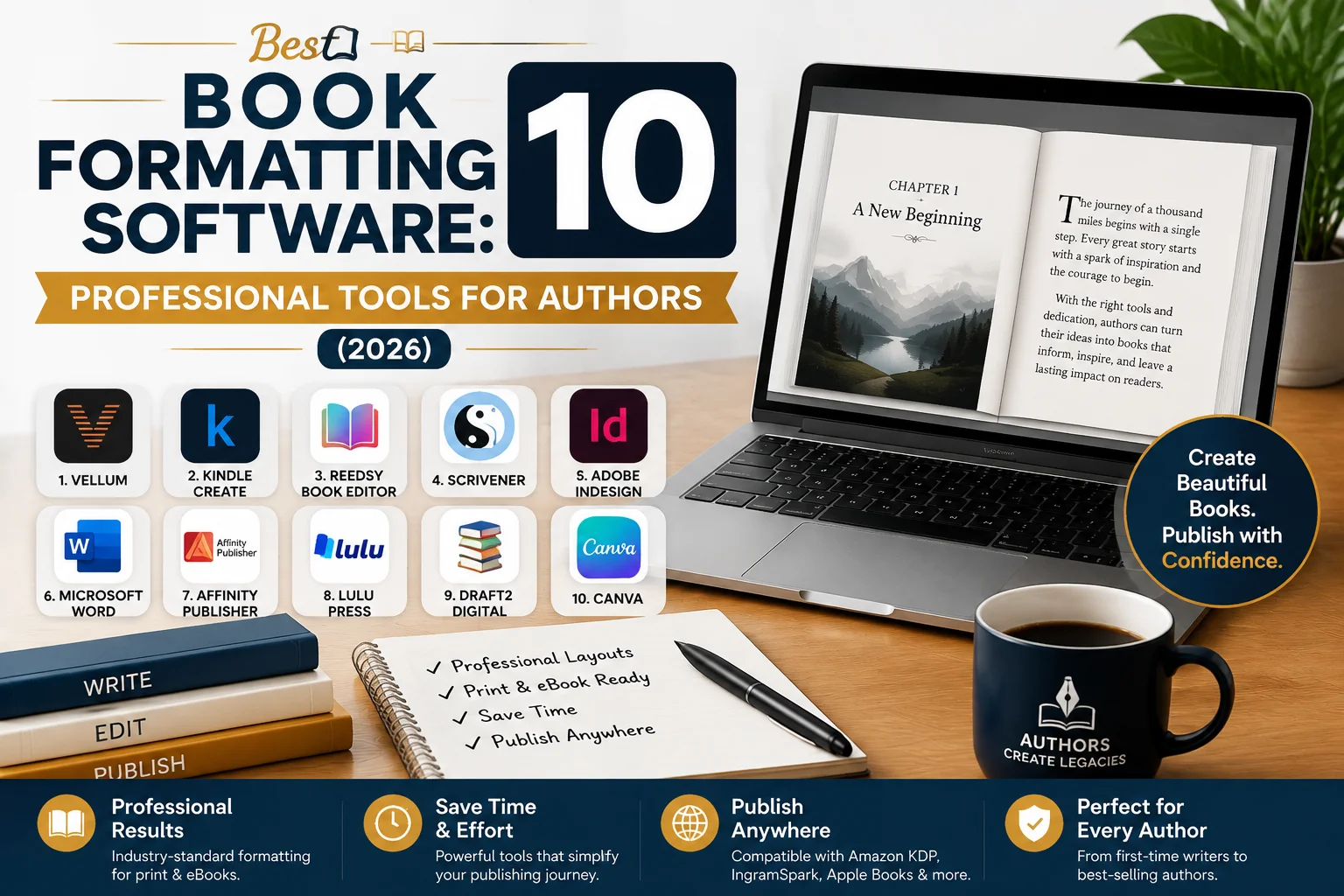
Best Book Formatting Software: 10 Professional Tools for Authors (2026)
Introduction
Writing a great manuscript isn’t enough to make a successful book. A professionally formatted book provides a more enjoyable viewing experience, looks better, and helps authors adhere to big book publishers’ technical standards. Whether you’re creating a paperback, hardcover, or e-book, the right Best Book Formatting Software can streamline and simplify the entire book publishing process.
Today’s authors are blessed with numerous tools that can help them in these areas to make Book Formatting easier, produce beautiful Book Layouts, and prepare files for Book Publishing. The proper software can take care of several things, such as laying out chapter pages and choosing the right fonts, setting up the interior of a book professionally, and turning handwritten or typed manuscripts into digital documents for distribution.
Professional formatting is one of the most crucial steps to take before publishing, especially for self-publishing authors, particularly those who use Amazon KDP. Bad formatting can have a negative impact on readability, reviews, and sales. Your book can look more professional and trustworthy if you use a well-designed interior, clean typography, and properly structured pages.
This Best Book Formatting Software 2026 comparison covers the top programs for formatting books. We will learn about their features, pricing, pros, cons, and their suitability for different types of authors.
What Is Book Formatting Software?
Book formatting software is a particular type of software that assists writers and publishers to format their books for professional publishing. It lets the user arrange text, design pages, modify typography, add chapters, and export files for printing and publishing in digital formats.
Professional formatting tools are tailored to making a document ready to publish, as opposed to regular writing programs. They work to ensure the author has control over the following key design aspects:
- Page size and margins
- Use either bold or italic fonts.
- Bold or italic font.
- Chapter headings
- Page numbers
- Headers and footers
- Table of contents
- Images and illustrations
- Print-ready PDF files
- Digital book files
The primary function of the Book Formatting software is to make sure that a manuscript appears professional and polished before it is read by readers.
For instance, you would format a novel differently than a children’s picture book, cookbook, or business guide. A good formatting tool will let authors create their own Book Layouts predicated on their specific genre and publishing objectives.
Many authors also require tools for digital publishing that will facilitate the creation of e-books. Digital books must be formatted in a specific way, such as EPUB, which enables text to adapt correctly to a range of devices, including Kindle readers, tablets and smartphones.
The ideal tools are easy to use and include advanced options, so that beginners and advanced designers can produce good books in an efficient manner, without having to put a lot of effort into the technical formatting.
Best Book Formatting Software #1: Atticus — Best Overall Choice for Authors
Atticus is one of the most popular options for independent authors as it is simple and offers professional formatting options.
It provides a tool just for writers who wish to generate print books and ebooks without mastering intricate design software.
Best For:
- Self-publishing authors
- Fiction writers
- Nonfiction authors
- Enthusiasts who seek experts’ outcomes
Key Features of Atticus
Atticus offers resources for:
- Print book formatting
- e-book formatting
- Chapter styling
- Custom themes
- Previewing layouts
- Exporting publishing-ready files
The authors can import their manuscript, select the design style, and configure the settings, then rapidly produce professional files.
Advantages of Atticus
Easy to Use
Book Formatting is simple on Atticus’ clean interface even for the novice.
Works on Windows and Mac
Atticus is available on several operating systems, unlike some of the other software. Atticus is available on several operating systems, whereas some of the other software isn’t.
Professional Templates
The software comes with beautiful templates to create beautiful Book Layouts.
Limitations of Atticus
- Does not have the same level of development as Adobe InDesign.
- Not a lot of opportunities to create very specialized illustrated books.
Best Book Formatting Software #2: Vellum — Best Premium Tool for Mac Users

Vellum is an excellent formatting applet that allows the creation of beautiful books in a hurry. It’s a favorite among many professional self-publishing authors due to its elegant templates and easy workflow.
Best For:
- Mac users
- Fiction authors
- Professional e-book creators
Key Features of Vellum
With Vellum, authors can make:
- Beautiful print layouts
- Professional e-books
- Chapter designs
- Preview-ready files
Its main benefit is its speed. Within a few minutes, authors can convert their manuscript into a professionally formatted book.
Advantages of Vellum
Beautiful Book Layouts
Vellum makes it easy to create beautiful interiors.
Excellent eBook Formatting
The software is particularly popular in the production of professional digital editions.
Simple Workflow
Advanced design knowledge isn’t required for authors.
Limitations of Vellum
- Only for Mac users
- Higher price compared to some alternatives
Best Book Formatting Software #3: Adobe InDesign — Best Professional Book Layout Software
Adobe InDesign is one of the most powerful design tools for use by professional publishers, graphic designers, and seasoned authors. The advantage it provides in typography, page design, and complex layout has made it an alloy of choice in the publishing industry for years.
It’s a bit more difficult to learn than some other tools, but if you’re looking for the best results for your literary work, it’s the right choice.
Best For:
- Professional book designers
- Publishing companies
- Illustrated books
- Children’s books
- Cookbooks
- Textbooks
- Complex nonfiction books
Key Features of Adobe InDesign
Adobe InDesign offers sophisticated options for Book Formatting such as:
- Complete typography control
- Custom page designs
- Advanced image placement
- Master page templates
- Professional paragraph styles
- Print-ready PDF creation
Interactive Digital Publishing Options.
InDesign offers unparalleled flexibility when authors are designing books with lots of visual content.
Advantages of Adobe InDesign
Complete Design Control
InDesign gives designers the ability to design and control every part of the book interior, unlike automated formatting tools.
Authors can customize:
- Fonts
- Spacing
- Margins
- Images
- Graphics
- Page structure
This is one of the best options for creating unique Book Layouts.
Professional Publishing Standard
Adobe InDesign is used by many professionals and designers, as it has industry standards.
It’s particularly beneficial for:
- Art books
- Children’s picture books
- Illustrated guides
- Magazine-style books
Excellent Print Book Support
If you’re an author who’s interested in quality print publishing, you can get accurate control over:
- Trim sizes
- Bleed settings
- Image resolution
- Color management
Limitations of Adobe InDesign
It is a strong tool but has some drawbacks:
- Expensive subscription model
- Requires design knowledge
- More difficult for novices
Best Book Formatting Software #4: Kindle Create — Best Free Amazon KDP Formatting Tool

Kindle Create is Amazon’s official formatting software for anyone publishing e-books on Kindle Direct Publishing.
It enables writers to transform their manuscripts into books that can be read on Kindle without the cost of high-priced software.
Best For:
- Amazon KDP authors
- Beginner self-publishers
Simple e-books will be created by authors.
Key Features of Kindle Create
When using Kindle Create, authors can:
- Import Word documents
- Format Kindle e-books
- Create chapter styles
- Add images
- Preview Kindle layouts
- Export KPF files
It is designed by Amazon and is aligned with the requirements of publishing a Kindle book.
Advantages of Kindle Create
Completely Free
The most significant advantage is that Kindle Create is a free tool.
This is a great choice for new authors who are beginning their Book Publishing journey.
Amazon Compatibility
The software is created specifically for Kindle books, minimizing compatibility issues.
Files optimized by authors can be created for:
- Kindle devices
- Kindle apps
- Amazon e-book stores
Beginner Friendly
The simple interface allows novice writers to get acquainted with the basics of Book Formatting without the use of complex design elements.
Limitations of Kindle Create
- Limited customization options
- Mainly focused on Kindle e-books
- Not suitable for complex print books.
Best Book Formatting Software #5: Microsoft Word — Best Basic Formatting Option
One of the world’s most widely used writing applications is Microsoft Word. Word is used by many authors to write and format manuscripts when they first start writing.
Word is not a special-purpose publishing program, but when it is used properly, it can do simple Book Formatting.
Best For:
- Beginners
- Short books
- Simple novels
- Basic nonfiction books
Key Features of Microsoft Word
Microsoft Word provides:
- Text editing
- Heading styles
- Page numbering
Creating an outline of the table of contents. Outline the table of contents.
- Image placement
- Document templates
Many authors use Word prior to getting their manuscript into professional formatting software.
Advantages of Microsoft Word
Easy to Access
The majority of authors are already familiar with Word, and therefore it is a comfortable introduction.
Affordable Option
Word is less expensive than other professional publishing software.
Good for Simple Books
A good choice for simple books.
Word can make good Book Layouts for most books that contain largely text information.
Limitations of Microsoft Word
Word has a number of difficulties:
For longer books, formatting can be confusing.
- Limited design flexibility
- Difficult EPUB conversion
- Less professional results
Best Book Formatting Software #6: Scrivener — Best Writing and Organization Tool
Scrivener is a writing software that’s used by many authors who are creating long manuscripts. It is chiefly a writing program, but has formatting and export capabilities.
Best For:
- Novel writers
- Long-form authors
- Researchers
- Fiction writers
Key Features of Scrivener
Scrivener is used to organize authors:
- Chapters
- Scenes
- Research notes
- Character information
- Manuscript sections
It helps writers work more efficiently on large projects.
Advantages of Scrivener
Excellent Writing Organization
If an author has a large work to write, they can divide it into small parts, which makes it easier for them to write.
Useful Export Options
You can export your manuscript for further elaboration in Scrivener.
Great for Long Books
Ideal and highly recommended for Long Books.
It can be useful for writers who are developing novels or books that are research-based.
Limitations of Scrivener
- Not primarily a professional formatting tool
- Requires learning time
- Final layouts may need additional software
Best Book Formatting Software #7: Reedsy Book Editor — Best Free Online Formatting Tool

Reedsy Book Editor is a browser-based application for writing, editing, and formatting books online.
It helps beginners get a simple solution without installing software.
Best For:
- First-time authors
- Budget-conscious writers
- Simple novels
Key Features of Reedsy Book Editor
Features include:
- Online writing environment
- Chapter organization
- Basic formatting tools
- Export options
- Clean templates
Advantages of Reedsy Book Editor
Free to Use
Authors can design well-formatted documents without having to buy expensive software.
Simple Interface
The clean design helps beginners catch the basics of Book Formatting.
Cloud-Based
Authors may use any device equipped with an Internet connection.
Limitations of Reedsy Book Editor
- Limited customization
- There are fewer advanced design options.
- Not appropriate for illustrated books.
Best Book Formatting Software #8: Affinity Publisher — Best Affordable Alternative to Adobe InDesign
Affinity Publisher is a professional desktop publishing software with various advanced features, similar to Adobe InDesign. This is one of the sought-after designs by designers and authors for those who do not want to pay a monthly subscription to get professional Book Layouts.
This is particularly helpful for those who are designing visually stimulating books where there is a greater need for design control.
Best For:
- Professional book designers
- Illustrated books
- Children’s books
- Cookbooks
- Photography books
- Budget-conscious designers
Key Features of Affinity Publisher
Affinity Publisher features tools to:
- Professional page layouts
- Typography control
- Image management
- Master pages
- Print-ready PDF export
- Custom templates
It lets designers create detailed Book Layouts with full control of each page element.
Advantages of Affinity Publisher
One-Time Payment
Affinity Publisher is not a subscription-based software and costs less than many subscription authors.
Professional Design Features
Advanced tools for: The software includes advanced tools for:
- Page arrangement
- Text styling
- Graphic placement
- Image editing
Great for Visual Books
For books that have a heavy focus on images, authors can use Affinity Publisher for professional results.
Examples include:
- Children’s picture books
- Recipe books
- Travel guides
- Art books
Limitations of Affinity Publisher
- Requires design knowledge
- Includes a number of formatting features that might not be suitable for e-books.
- Unlike Atticus or Vellum, it is not as automated. It is not as automated as Atticus and Vellum.
Best Book Formatting Software #9: BookWright — Best for Illustrated and Photo Books
BookWright is a book design tool made by Blurb. It is primarily intended for the production of printed books that are attractive to the eyes and particularly books with large numbers of images.
Best For:
- Photo books
- Children’s books
- Art books
- Illustrated projects
Key Features of BookWright
BookWright offers:
- Ready-made templates
- Image placement tools
- Professional layouts
- Print previews
- Book publishing options
It aids creators in creating books that are very attractive.
Advantages of BookWright
Excellent Image Handling
It is useful for books with a high image content.
Beginner Friendly
People who do not have a high level of design proficiency can design appealing layouts in a flash.
Publishing Integration
BookWright integrates with Blurb’s publishing services and simplifies publishing.
Limitations of BookWright
- Limited choice of advanced typography features
- Not ideal for traditional book-length novels.
- Not particularly suitable for book-length novels.
- More visually rich book.
- Focused book – more visual.
Best Book Formatting Software #10: Canva — Best Simple Design Tool for Beginners

Canva is the best design tool for beginners in the following list of Best Book Formatting Software 10 that is easy to use.
Many creators are using the popular online design platform Canva for their book designs that have small content or worksheets, planners, and low-content books.
It’s not a specialized publishing program, but Canva can assist novices in making appealing designs promptly.
Best For:
- Low-content books
- Workbooks
- Journals
- Simple ebooks
- Beginners
Key Features of Canva
Canva provides:
- Thousands of templates
- Drag-and-drop design
- Font libraries
- Image resources
- PDF export
Advantages of Canva
Very Easy to Use
Even though you are not a designer, you can make designs if you are a beginner.
Large Template Library
Authors can easily compose:
- Interior pages
- Worksheets
- Activity books
- Simple layouts
Affordable Option
Canva is available to new creators, with free and paid plans.
Limitations of Canva
Limited professional typography control.
Not suitable for lengthy books or novels.
Does not have a specific purpose for creating EPUBs
Best Book Formatting Software Based on Your Needs
Whether you are working with a large number of books or just a few, this book formatting software can make your task much simpler.
The kind of software you use will depend on your experience, budget, and publishing objectives.
Best Book Formatting Software for Beginners
Recommended:
- Atticus
- Reedsy Book Editor
- Kindle Create
Simple workflows and tools for helping beginners produce professional books without advanced design knowledge.
Best Software for Amazon KDP Publishing
Recommended:
- Atticus
- Kindle Create
- Vellum
These tools enable more convenient creation of files suitable for Amazon publishing.
Best Professional Book Layout Software
Recommended:
- Adobe InDesign
- Affinity Publisher
These tools are typically used by professional designers, as they offer full control over the page.
Best Software for Fiction Authors
Recommended:
- Vellum
- Atticus
- Scrivener
These tools are great for novels, as they help to format the chapters and create ebooks with ease.
Best Software for Children’s Books
Recommended:
- Adobe InDesign
- Affinity Publisher
- BookWright
Advanced image placement & creative layouts are required for illustrated books.
Which One Should Authors Choose?
Choose Atticus If:
- You want an all-in-one solution
- You create e-books and print books
You must have professional results without breaking the bank. You require professional results at an affordable cost.
Choose Vellum If:
- You use Mac
- You’re looking for stunning e-book designs in a hurry.
Choose Adobe InDesign If:
- You must have full creative control. You have to have full creative control.
- You prepare intricate books. You create elaborate books.
Final Recommendation: The Best Book Formatting Software for Authors
It’s important to choose the right format tool for your publishing purposes.
Atticus is a great option for most self-publishing authors due to its professional features, multiple-platform compatibility, and print and digital book support.
Vellum is great for Mac users looking for pretty designs, and Adobe InDesign or Affinity Publisher is a better option for those who are creating complex Book Layouts.
Selecting the appropriate Best Book Formatting Software can be helpful in getting the job done faster and better while ensuring that the book is of quality and can generate better results in modern Book Publishing.
A professionally formatted book has a more professional look, makes it easier for people to read, and provides your readers with a quality experience.
Frequently Asked Questions About Book Formatting Software
In 2026, which book formatting software is the best?
Atticus is one of the best overall options due to its professional characteristics and user-friendliness.
Is Atticus better than Vellum?
Atticus is ideal for Windows users and authors who need a budget-friendly solution with some flexibility, while Vellum may be preferred by many Mac users who value beautiful layouts.
Can you format your own book to be sold on Amazon KDP?
Yes. There are some tools such as Atticus, Kindle Create, and Reedsy that enable the author to create their own e-book files for KDP.
What programs do professional book designers use?
Adobe InDesign is used by many professionals due to its advanced typography and layout options.
What is the best option for formatting a book in Microsoft Word?
Word is suitable for simple books; for commercial publishing, it is better to use professional formatting software.

We help authors bring their stories to life through professional online book publishing services. From manuscript formatting and cover design to Amazon KDP publishing and global distribution, we make self-publishing simple, affordable, and successful.
